


First you need to get the image URL. Usually right-clicking on image and selecting "Copy image address" is enough. However, sometimes the images are displayed via scripts, so to get the link you need to use the browser's built-in developer tools. This way is a bit more complicated, however it's not rocket science :) It usually allows you to select the element with the mouse and copy it's address via the right-click.
Usually most websites are offering a scaled down and/or cropped version of the images, to better fit the user's display. However, in most of the cases the high resolution original image is still available, and could be accessed by manipulating the URL string. There are several most popular engines, with a minor variations.
1) Amazon hosted images. Best know users: Amazon Prime, IMDb. The URL contains the part, telling the website engine how to scale and crop the image (marked bold in the examples below). We need to remove it.
Amazon Prime
For episode thumbnail URL looks like this:
https://images-na.ssl-images-amazon.com/images/I/81KVv2xRzyL._SX180_.jpg

By removing the ._SX180_ part (which telling the site engine to scale image horizontally to 180 pixels) we will get a full resolution image:
https://images-na.ssl-images-amazon.com/images/I/81KVv2xRzyL.jpg
Amazon usually provides 4:3 aspect ration episode pictures and those pictures need cropping&positioning to 16:9 (e.g. if the res is 1600x1200px should be cropped to 1600x900px) before uploading it here.
IMDb:
For people photos and posters URL looks like this:

Removing the ._V1_SY1000_CR0,0,725,1000_AL_ part (which tells the site to scale image vertically to 1000 pixels and then crop it from the top left corner to 750x1000 px) will give us the link to the full image:
https://m.media-amazon.com/images/M/MV5BMTU5NjQwMDMwMF5BMl5BanBnXkFtZTgwMzk4MTQyNzE@.jpg

However, when the largest available image on IMDB is less then 1000 pixels high, the URL will look like this (consider the ._V1_ part):

This means it is the largest available image.
2) SyFy, USA Network. This engine is also very common among networks, casting agencies and so on. There could be slight variations, but the principle stays the same.
Basic image URL looks like this:

To get the full resolution image the part styles/.../public/ need to be removed, the link to the original image will look like this:
https://www.syfy.com/sites/syfy/files/znation_gallery_506recap_02.jpg

In case of USA network:
scaled image:

original:
https://www.usanetwork.com/sites/usanetwork/files/2018/09/thepurge_epguide_110_2560x1440.jpg

3) NBC. This one is the simplest.
Basic image URL looks like this:

The marked part is what actually make the image to be scaled down. Removing everything after the image file name will return the full resolution image:
https://img.nbc.com/sites/nbcunbc/files/files/images/2018/11/08/181101_3823057_Hell_s_Kitchen.jpg

There's some variations to this style. For example, images on Starz website have URL like this:
The principle is the same, remove the scale instructions:
https:/stz1.imgix.net/web/contentId/36916/type/STUDIO/dimension/2560x1440
4) HBO. They're using two different methods.
In show's episode guide the links looks like this:

Removing the marked instructions after the image file name will do the trick:

In schedule the links looks like this:
There's no direct link to the image, so the URL need to be tweaked to get the larger image (it is safe to assume, that for the most of the shows the original resolution would be 1920x1080 px):
Something similar is used by Showtime:
scaled image:
https://www.sho.com/site/image-bin/images/1033027_1_3453552/1033027_1_3453552_04_640x360.jpg
large image:
https://www.sho.com/site/image-bin/images/1033027_1_3453552/1033027_1_3453552_04_1920x1080.jpg
5) BBC
Normal image looks like this:
https://ichef.bbci.co.uk/images/ic/640x360/p06n94cw.jpg
For most shows, the best resolution will be 1920x1080 px (although it supports many of the same aspect ratio)
https://ichef.bbci.co.uk/images/ic/1920x1080/p06n94cw.jpg

Other variations only support up to a max of 999x561
Original image:
https://ichef.bbc.co.uk/corporate2/images/width/live/p0/6r/n9/p06rn9dp.jpg/624

http://ichef.bbci.co.uk/news/235/media/images/67431000/jpg/_67431205_firing.jpg
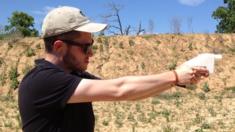
We will set the width to 999px:
https://ichef.bbc.co.uk/corporate2/images/width/live/p0/6r/n9/p06rn9dp.jpg/999
http://ichef.bbci.co.uk/news/999/media/images/67431000/jpg/_67431205_firing.jpg

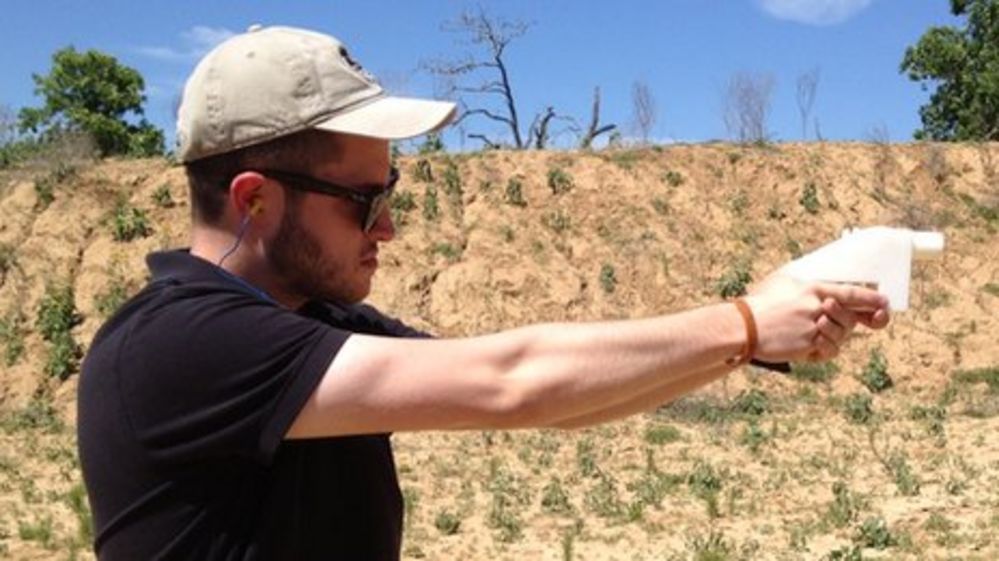
Another variations requires a few more changes, original image:
http://wwwnews.live.bbc.co.uk/media/images/67431000/jpg/_67431205_firing.jpg
We need to change the domain to ichef.bbc.co.uk and add news/999 before /media like this:

http://ichef.bbci.co.uk/news/999/media/images/67431000/jpg/_67431205_firing.jpg
6) itv
Normal image looks like this:
https://hubimages.itv.com/episode/2_3398_0086?w=608&h=348&q=55&blur=0&bg=false&image_format=jpg
We can simply remove the width and height here, like this:
https://hubimages.itv.com/episode/2_3398_0086?q=55&blur=0&bg=false&image_format=jpg
(The other parameters aren't strictly necessary, but the quality doesn't really differ)
7) sky
There's two different types of locations here.
The main show banners looks like this:
https://www.sky.com/assets2/the-russell-howard-hour-tile-db0b06f8.png?downsize=600:*&output-format=jpg
We just simply want to remove these parameters like this:
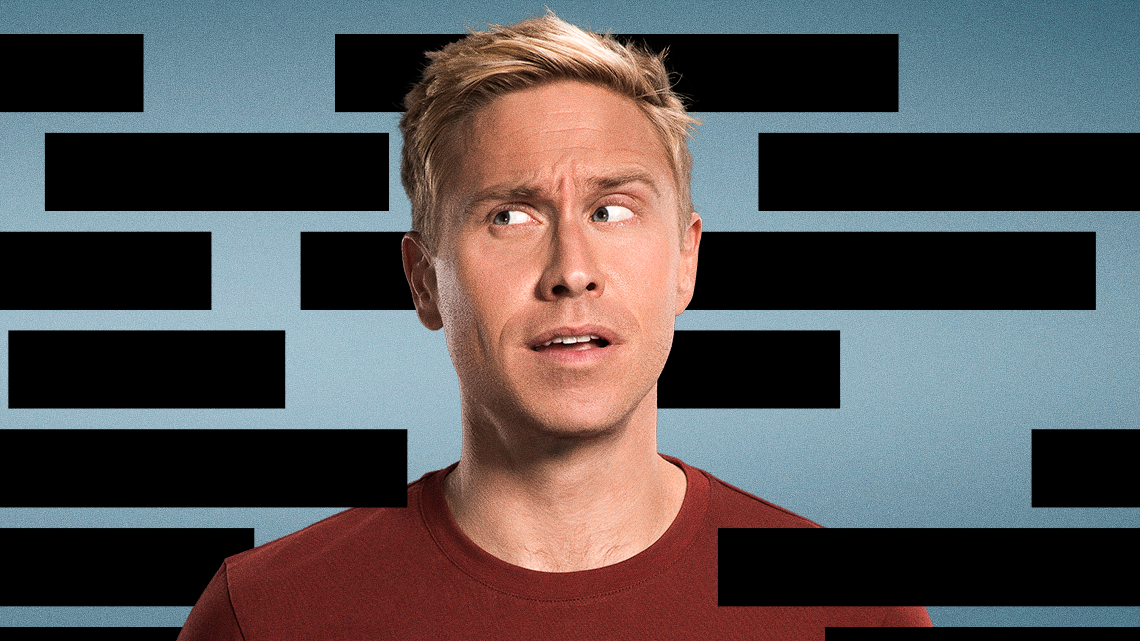
https://www.sky.com/assets2/the-russell-howard-hour-tile-db0b06f8.png
Episode images are slightly different, they normally look like this:
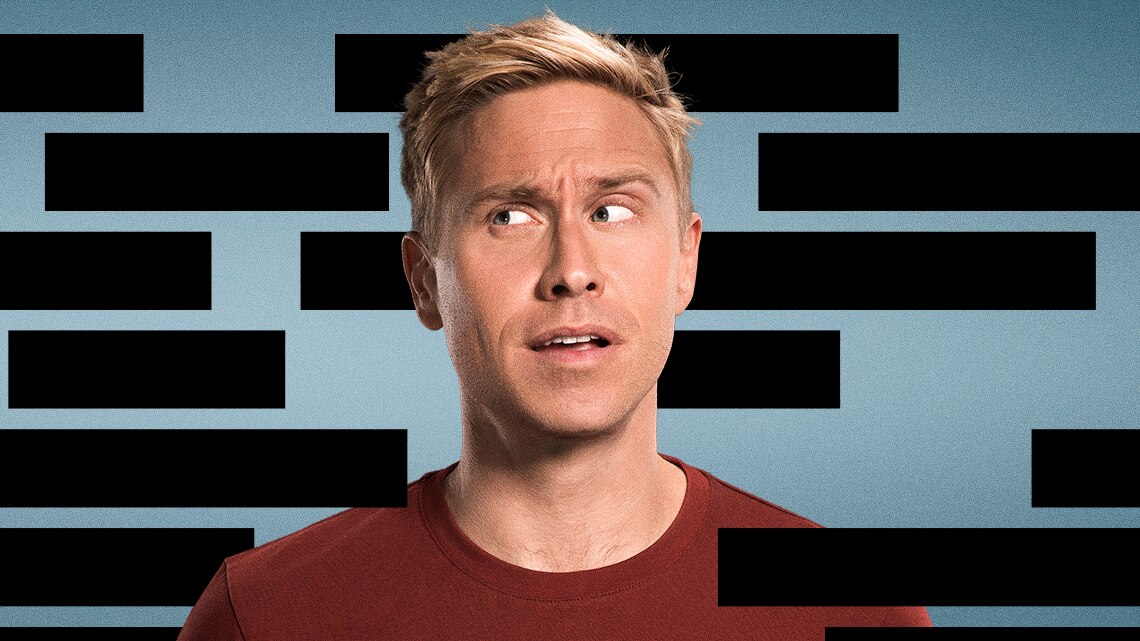
https://images.metadata.sky.com/pd-image/0196eda6-5f8a-49a5-9f59-ccbef8c45468/16-9/500
This means that it do it to a 16:9 aspect ratio, with 500 as the width, so we just want to remove the width like this:
https://images.metadata.sky.com/pd-image/0196eda6-5f8a-49a5-9f59-ccbef8c45468/16-9
8) Channel 4
Normal images look like this:
We can simply remove all of the resize parameters like this:
https://ic.c4assets.com/bips/collections/c8957e23-8157-464f-af55-9c8b265d3017.jpg
9) Channel 5
On the my5.tv website:
The resizing parameters can be removed:
channel5.com
https://api-images.channel5.com/images/episode/C5141380010/302x170.jpg?1388677323
For most shows, the best resolution will be 1920x1080 px (although it supports many of the same aspect ratio)
https://api-images.channel5.com/images/episode/C5141380010/1920x1080.jpg?1388677323
10) Netflix
You can either install this userscript (requires a userscript extension like Tampermonkey or Greasemonkey) - https://openuserjs.org/scripts/gazza911/Netflix_-_Open_Largest_Images - - https://openuserjs.org/scripts/ugygyug/Netflix_-_Open_Largest_Images -and right click on an image
or
do it manually;
1. Get the movie ID by inspecting the element or when you go to watch: https://www.netflix.com/browse/genre/83?jbv=81435684
Then navigate to:
[This bit isn't needed anymore, but we'll leave it in here in case we do again in the future]
If the above api url is changed, you can add the following as a bookmark, go to Netflix and get an updated link:
javascript:alert(netflix.reactContext.models.playerModel.data.config.ui.initParams.apiUrl)
In the url property of the stills array it tells you:
"stills":[{"w":1920,"h":1080,"url":"https://occ-0-1693-300.1.nflxso.net/art/87901/2af581315e77e3cf76748663a278721b08587901.jpg"}]}

It has that for each episode.
11) Oxygen
If you right click and copy the picture link from an episode you will get something like this

To get the full resolution picture you have to remove styles/watch-thumbnail--tablet/public/ from the link

Mostly they have low resolution pictures, but there's good news: most shows on Oxygen can be found also on NBC, so you can take the episode picture from there if Oxygen does not provide a FHD picture (1920x1080px)
12) Investigation Discovery
If you right click and copy the picture link you will get something like this
Remove the last part of the link starting with ? ?w=400&p=true&q=85 and you will get the full resolution picture
https://us1-prod-images.disco-api.com/2021/11/09/618aca58-4b02-3c49-9097-383409e6b48b.jpeg
13) Food Network
If you right click and copy the picture link you will get something like this
To get the full resolution picture replace width=768 with width=1920
14. CW
In the picture link https://images.cwtv.com/images/c/0048/CW-MWS-104-FullEpisode_146128-d58cd88c-720.jpg replace "720.jpg" with "1920x1080.jpg" => https://images.cwtv.com/images/c/0048/CW-MWS-104-FullEpisode_146128-d58cd88c-1920x1080.jpg
(US VPN needed if you're outside US) and also you will have to download the picture and manually upload it (tvmaze will not accept the link)
Note, on some shows you have to do "1920.jpg" instead.
15. Disney+
If you right click and copy the image link you will get something like this;
To get the best quality available remove ?format=webp&label=standard_regular_list_disney-original_178&width=800
Leaving you with a URL looking like this;
16. CBS
If you right click and copy a image link you will get something similar to this;
To get the best quality available remove /_x/w400 from the url
17. Disney+ Hotstar
In the image url https://img1.hotstarext.com/image/upload/f_auto,t_web_hs_3x/sources/r1/cms/prod/9152/1579152-h-8ed1272d16a6
To get the highest resolution available remove ,t_web_hs_3x from the url
https://img1.hotstarext.com/image/upload/f_auto/sources/r1/cms/prod/9152/1579152-h-8ed1272d16a6
18. FOX
In the image url https://static-media.fox.com/dcg/img/Fox_Networks_DCG_-_FOX_Broadcasting/562/501/BS9-12-23.jpg?fit=inside%7C480:270
Simply remove the ?fit=inside%7C480:270 bit at the end
https://static-media.fox.com/dcg/img/Fox_Networks_DCG_-_FOX_Broadcasting/562/501/BS9-12-23.jpg

19. SundanceTV
On their episode image URLs looking like this:
:format(jpg)/images.cds.amcn.com/amcn/Lexi_glam_close-up-2560x1440.jpg)
remove the bit looking like this 491x276/filters:quality(90):format(jpg)/
https://dimages.cds.amcn.com/images.cds.amcn.com/amcn/Lexi_glam_close-up-2560x1440.jpg

20. The Roku Channel
The urls looks something like this:

then just remove the part after .jpg at the end; /presets/29eb2b5a1e673afec27e5a058a577573

21. PBS
Just right click an image and open in new tab, the urls look like this

to get the larger version you have to remove the middle bit of the url, _640x360_crop_center-center_none_ns/
so the large image url will look like this:
https://dmlxzvnzyohme.cloudfront.net/a-first-taste-29f3fc95b329d8a03cd700853812c116.jpg
22: Dropput
Just right click an image and open in a new tab

then just remove everything after .jpg so the url looks like this;
https://vhx.imgix.net/chuncensoredstaging/assets/765b8286-f4fa-4244-935f-f93529f91e07.jpg
23: OWN
Right click on an image and open in a new tab

if you look closely the URL actually have 2 URLs in it, so you can just remove the first one and get the original size of the image;
https://static.oprah.com/2025/04/RUEV204_TNM204_28-1745428734-2560x1440.JPG

24: National Geographic
On NG you can just right click on a image and open it in a new tab
then replace the bit that says 579x325 in the middle of the URL with 1920x1080
25: hulu
Right click and open the image in a new tab, giving you a URL looking something like this;
then replace the bit that says 600x388 close to the end with 1920x1080
If you get a message saying "Submitted for processing", just give it a few and refresh